Top Navigation
Navigation help users understand where they are in an app, move between sections, and reach their goals efficiently — all with just a single tap or click.

Types
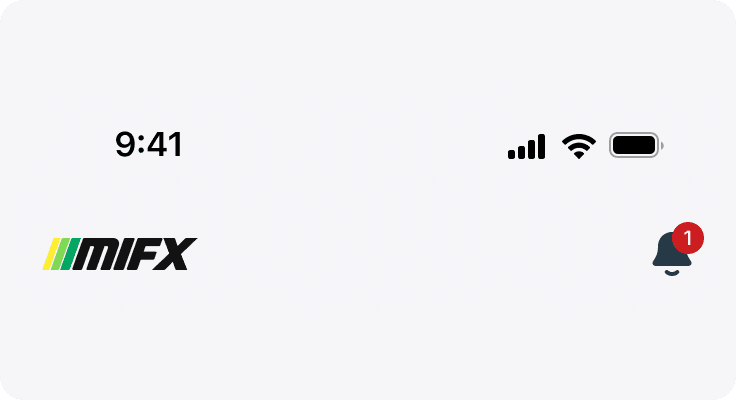
Home Top
Serves as a contextual guide for users when they arrive at the main screen of the app and include additional item(notification). Its primary function is to provide orientation and quick access to global actions without overwhelming the user.
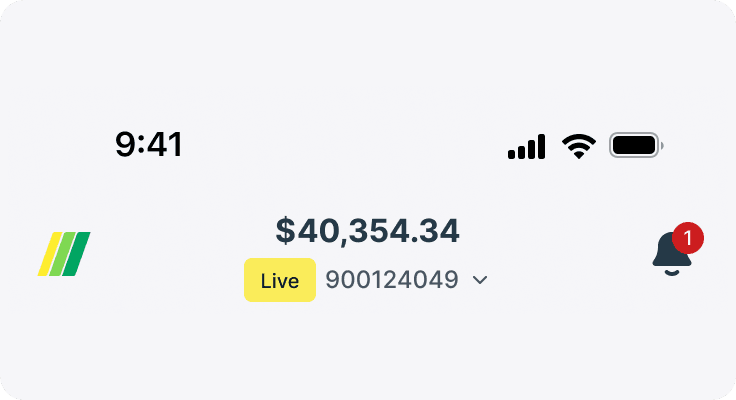
Home Scrolled
When users scroll down, the top navigation bar reveals essential user-specific details, such as the total balance and account number. This allows quick access to key financial information without needing to return to the top of the screen.
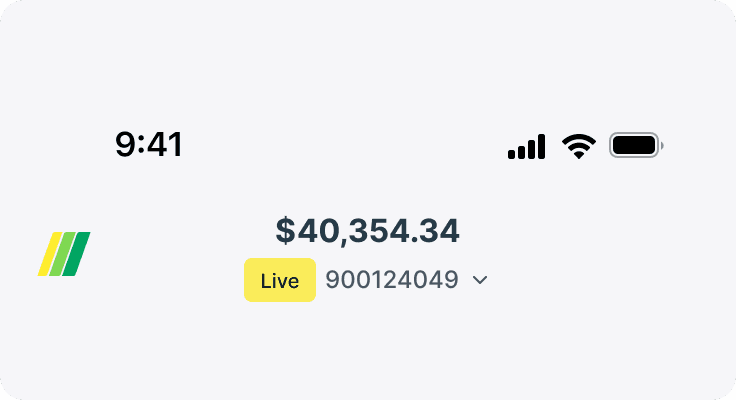
Main Pages
Main pages accessed via the bottom navigation bar—such as Market, Order, and More.
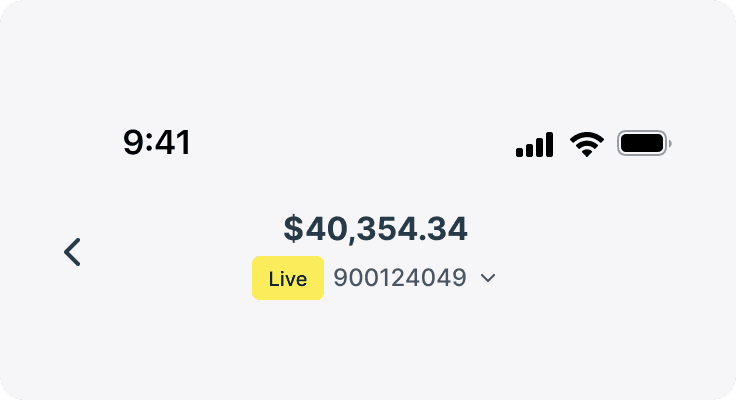
Page Equity
The top navigation used in Trading Tools pages—like Trending, Signal, and Top Mover, the top navigation includes the user's balance and account number to help them assess market activity relative to their available capital.
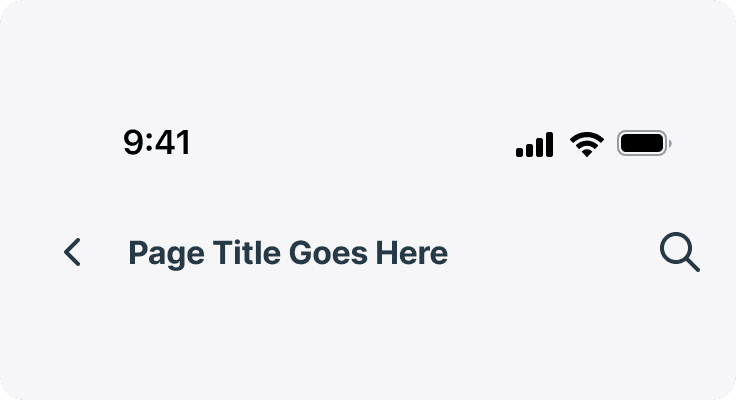
Page Titled
Title top navigation emphasizes clear display of the current page’s name, providing essential context with minimal distractions.
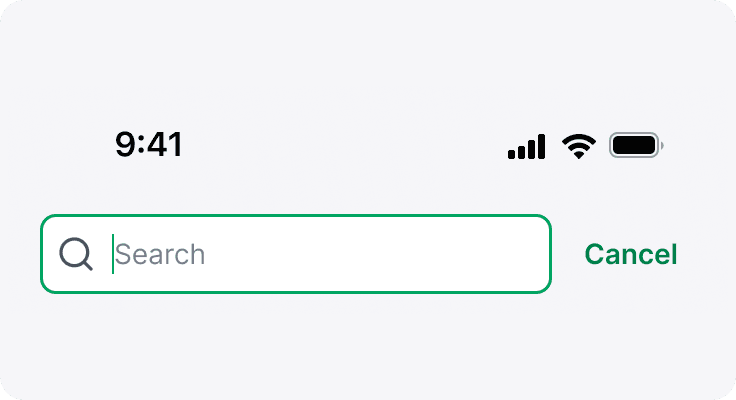
Search
The Search top navigation features a search input or icon, enabling users to quickly locate content.

Product Switcher
The Product Switcher top navigation is commonly used on pages like Chart and Product Detail, where users need to quickly switch between different products or assets.