Trading Amount Field
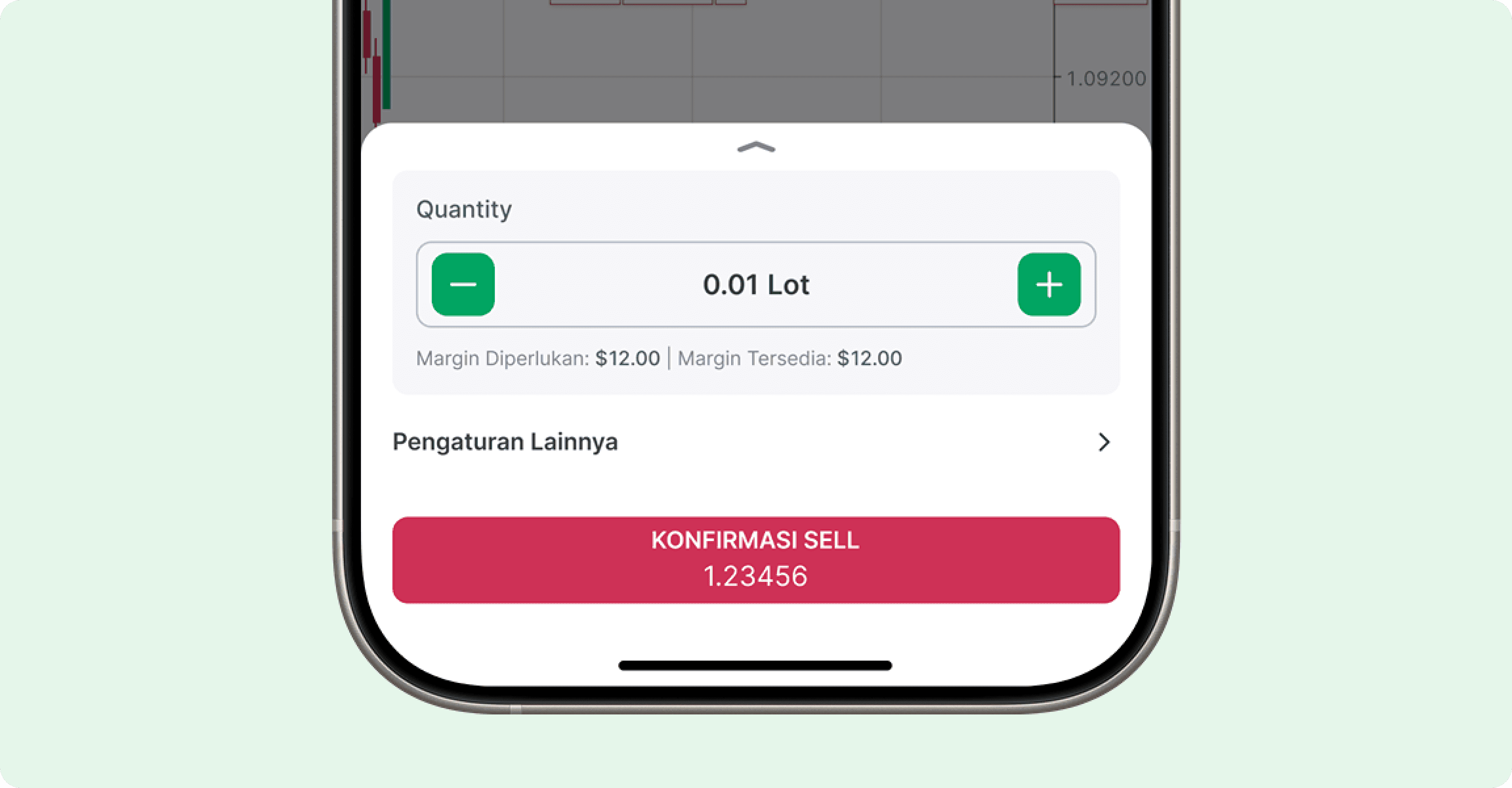
The trading amount field combines decrement and increment icon buttons around a central value display, letting users adjust trade quantities or price levels in precise steps.
Types
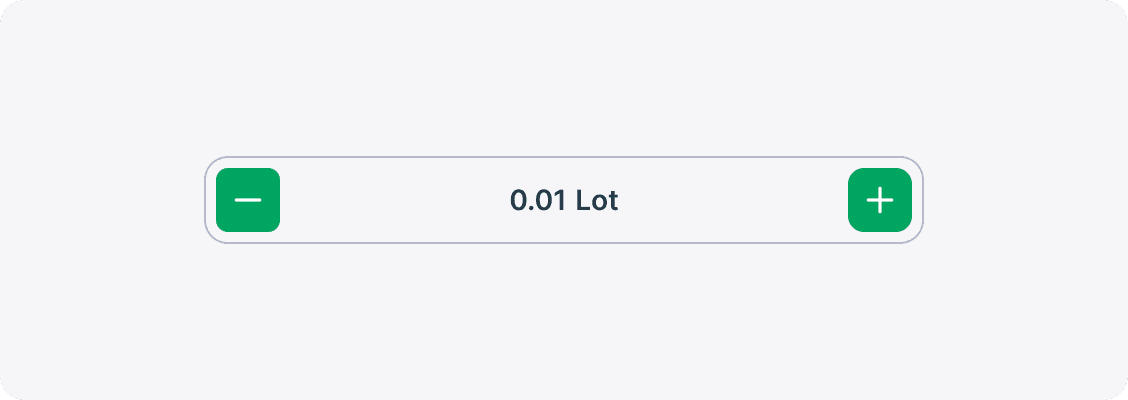
The Trading Amount Field is available in two visual styles—Primary and Secondary—each suited to different UI contexts.
Primary
Ideal for the main trade execution interface where instant recognition and rapid adjustments are critical.
Secondary
Best reserved for supporting contexts where the field is ancillary rather than the user’s primary focus.
States
Behaviors
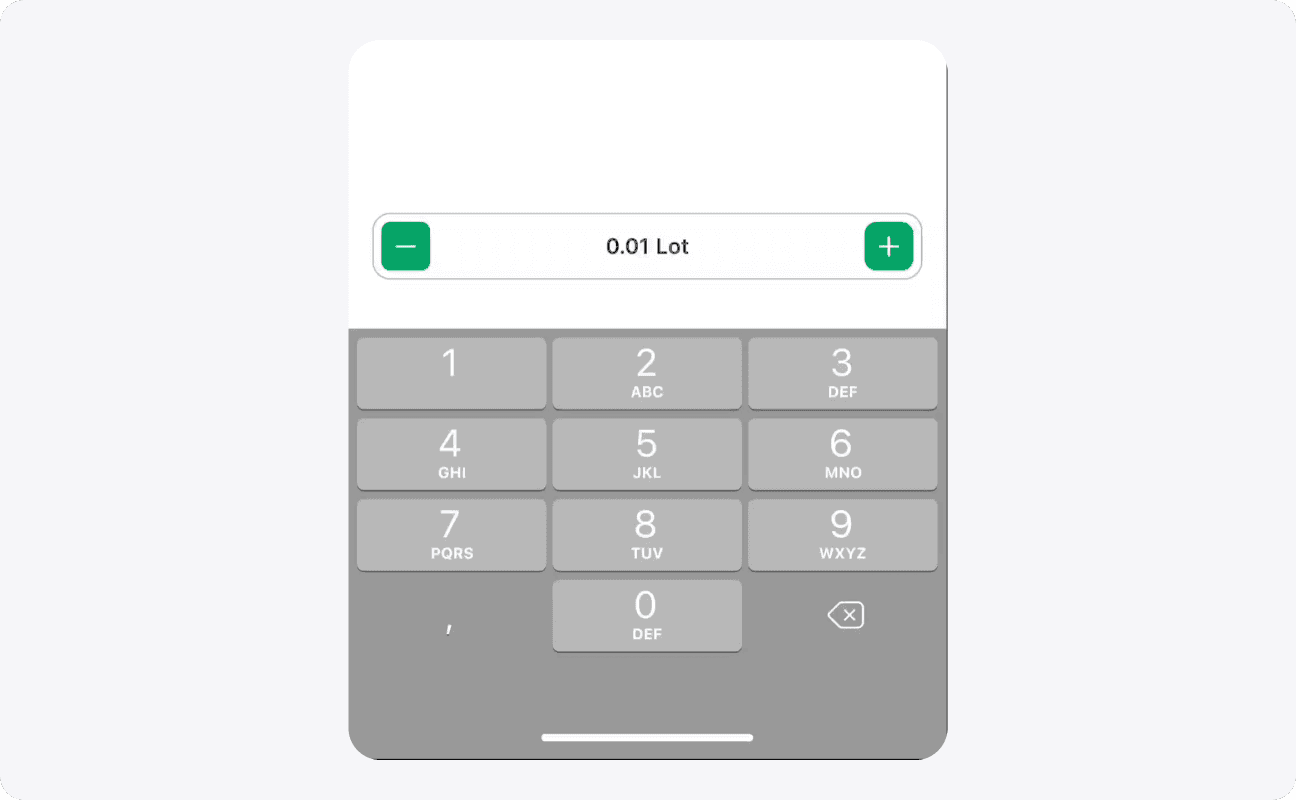
Increment & Decrement Icon Button Behavior
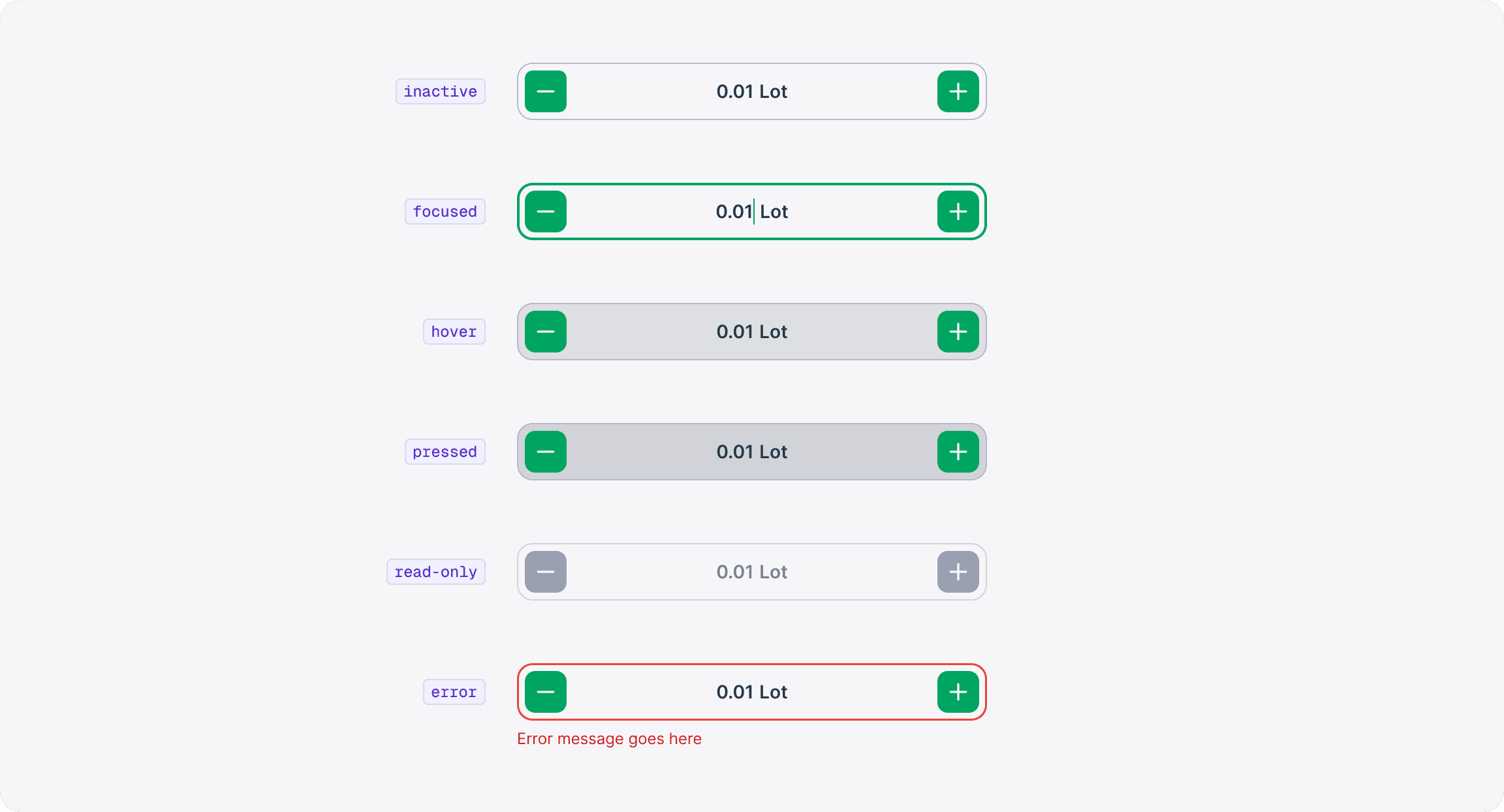
The Trading Amount Field is a composite control where the decrement and increment icon-buttons behave as standalone interactive elements. Each icon-button has its own hover, focus, pressed, and disabled states that do not cascade to the field itself—so clicking the “–” or “+” button will animate only that button, leaving the field in its current (often inactive) state.
Only a direct interaction with the central value area—such as clicking or tabbing into the input—will transition the field into its focused, hover, or pressed states. This clear separation of states ensures predictable feedback: users see exactly which part of the component they’ve engaged without inadvertent visual changes to the rest of the field.
Formatting
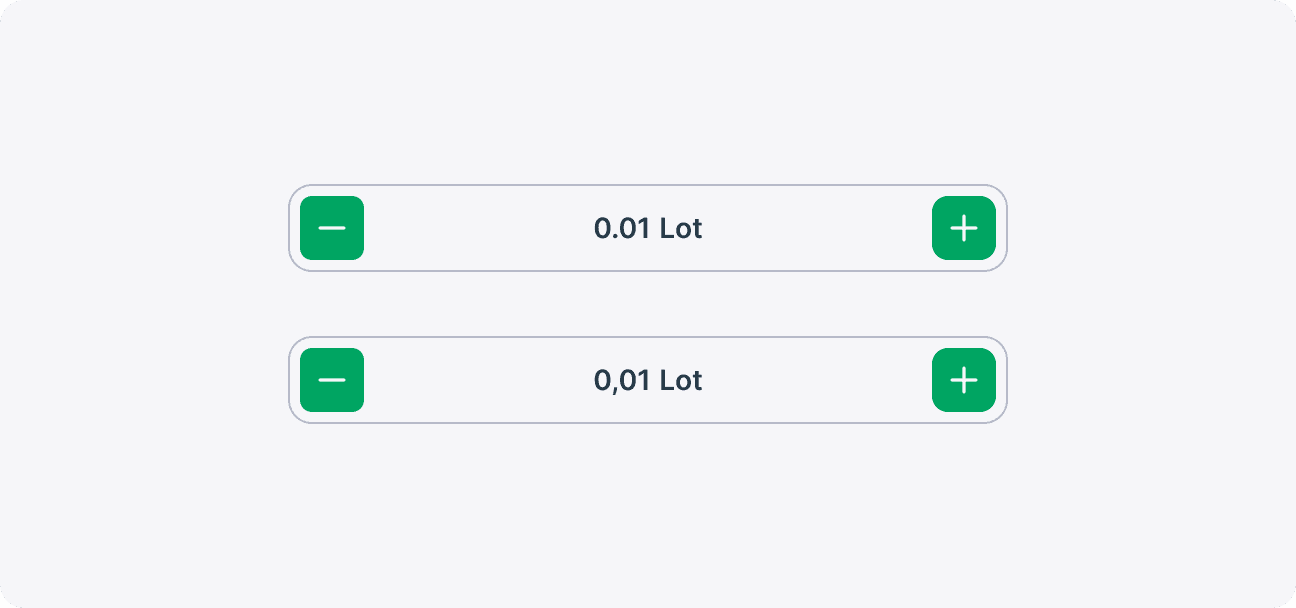
Decimal Separators
Trading Amount values are displayed in a consistent format to support quick adjustments and accurate decision-making. Clear presentation of quantities helps users review and modify their orders efficiently.