Money Amount Field
The Money Amount Field component is designed for entering monetary values during various financial actions, such as depositing funds, transferring money between accounts, withdrawing funds, or adjusting a demo account balance. This component ensures that users can accurately and efficiently input numerical amounts with the proper currency context.
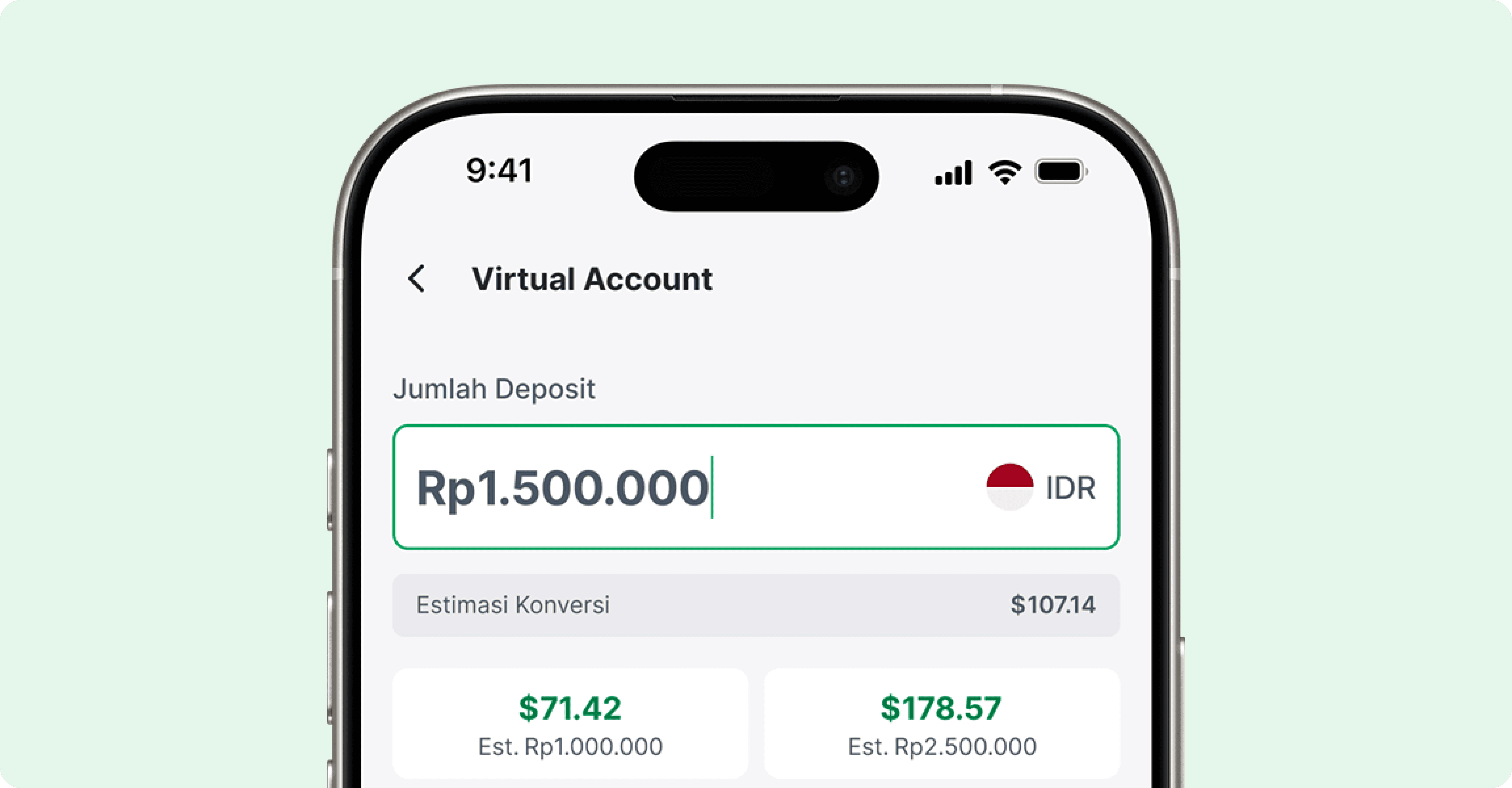
Types
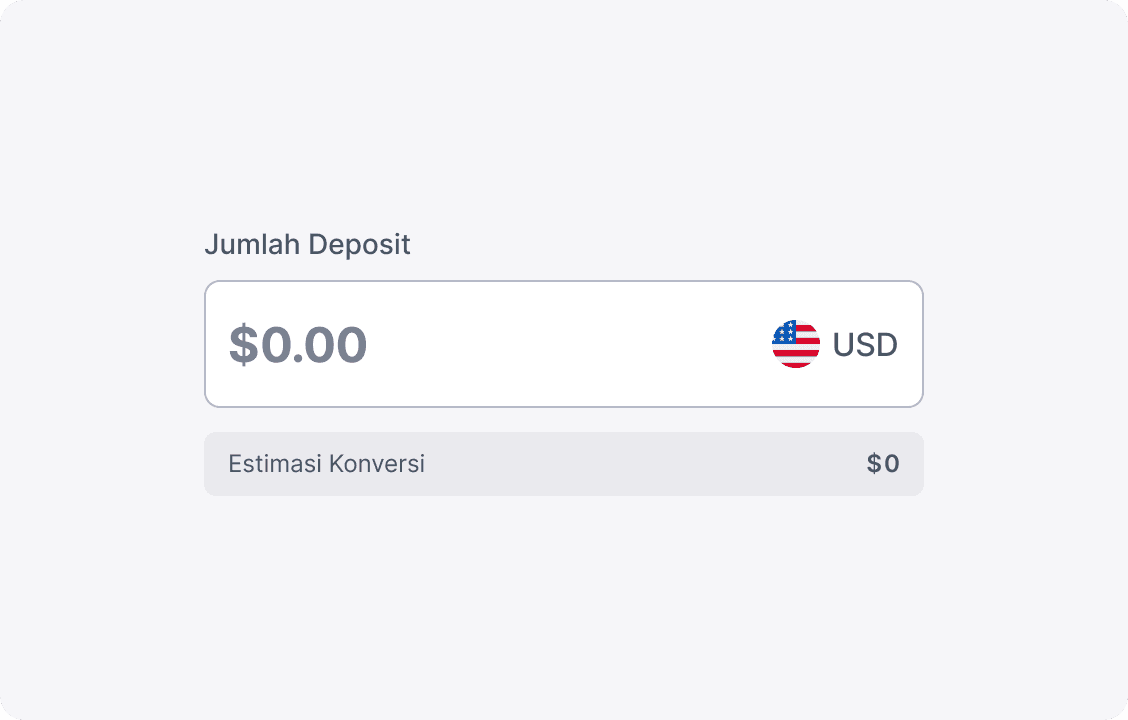
Default
Ideal for transactions without currency conversion—used when the source and destination currencies are the same (e.g., depositing USD into a USD trading account).
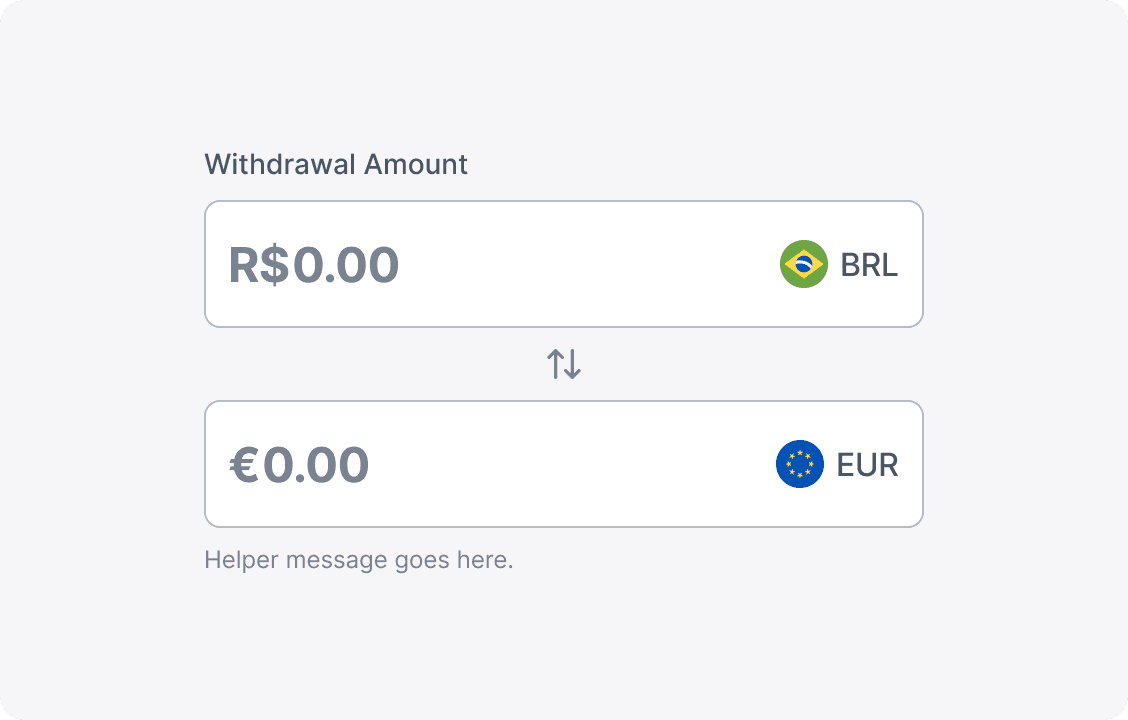
Two Way Conversion
Designed for transactions involving currency conversion—used when the source and destination currencies differ (e.g., withdrawing BRL from a EUR trading account).
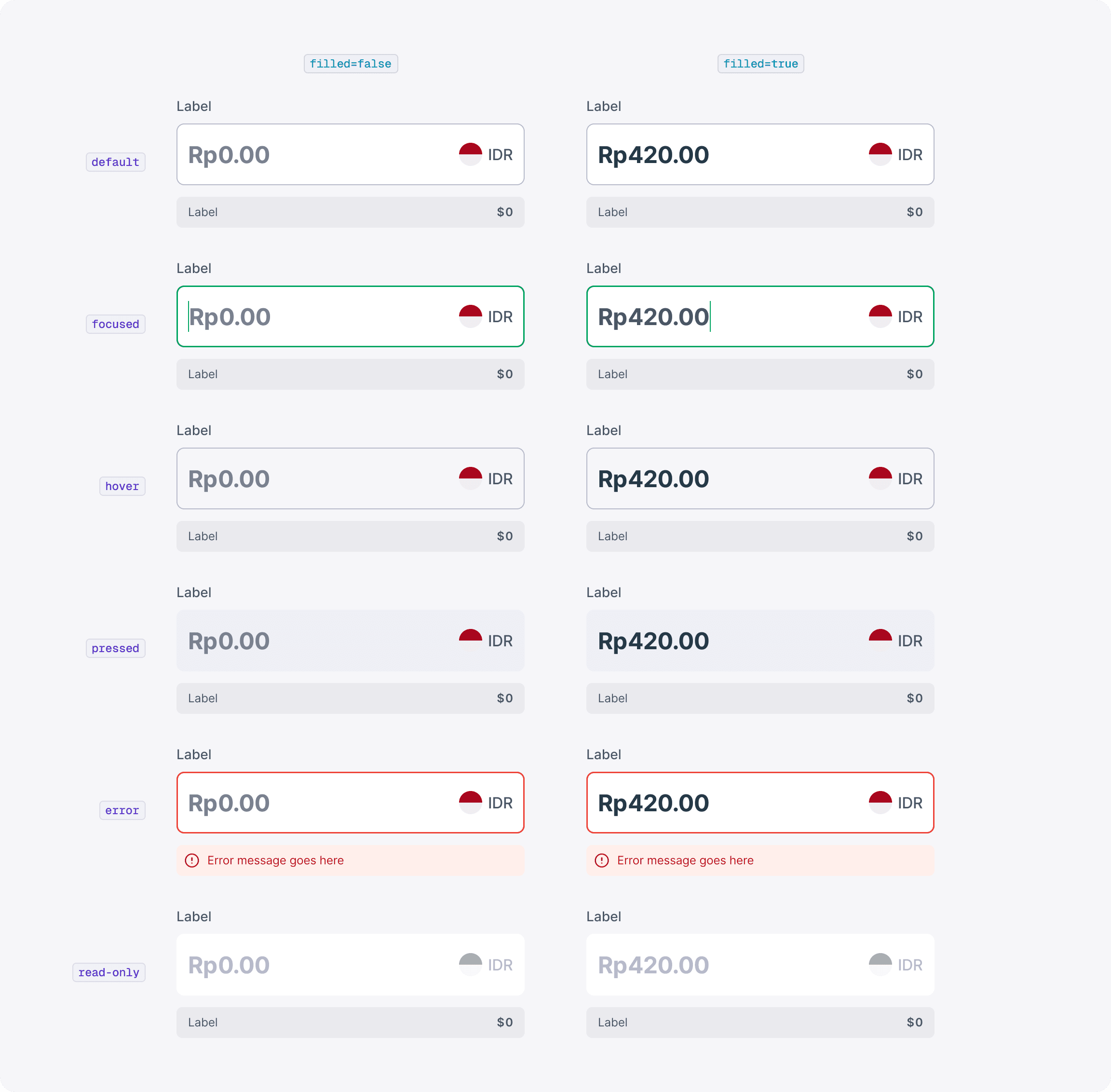
States
Behaviors
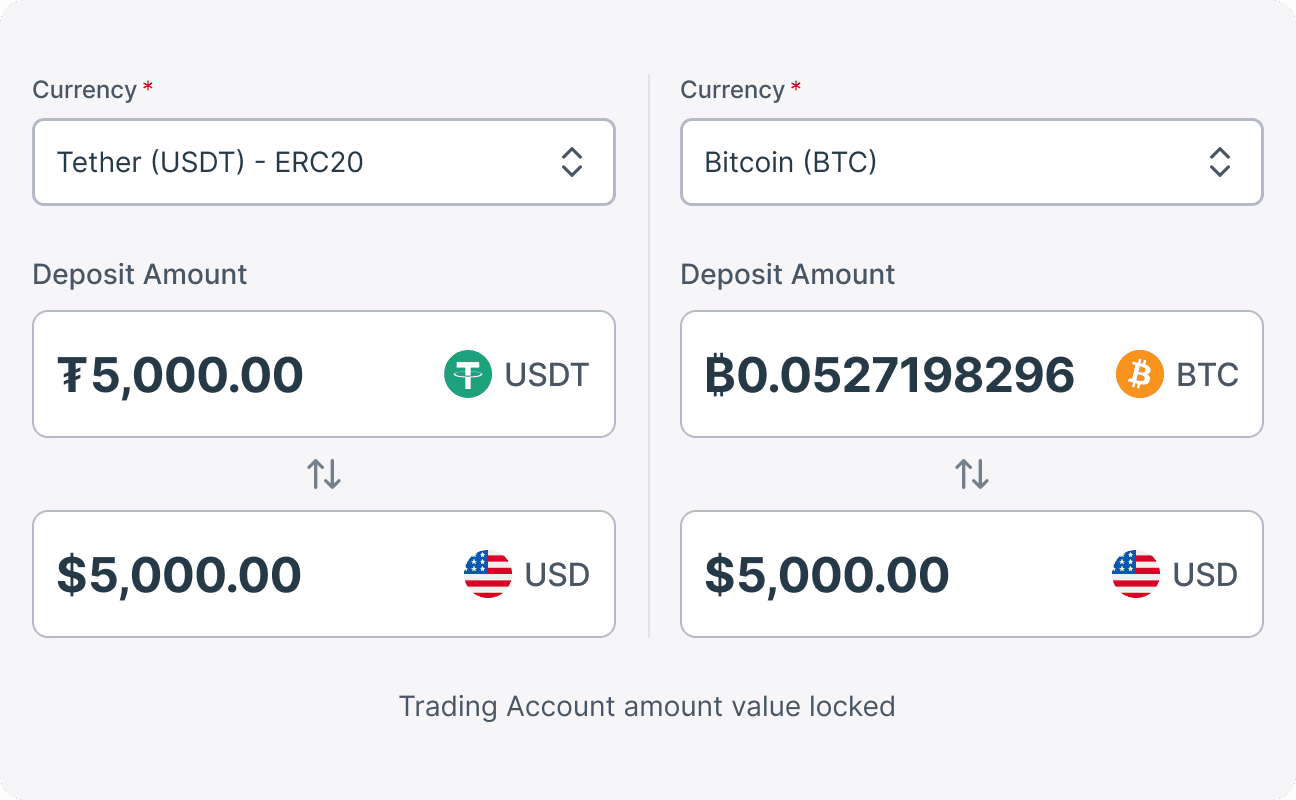
Amount Locking in Two Way Conversion Type
When handling two-way currency conversions—such as depositing via cryptocurrencies—always lock the field that displays the Trading Account Currency (Meta Account Currency). This ensures that when a user switches the source currency (for example, from USDT to BTC), the amount in the trading account remains fixed and prevents erroneous recalculations that could lead to astronomical values. This guideline applies universally to all supported currencies, including both cryptocurrencies and fiat.
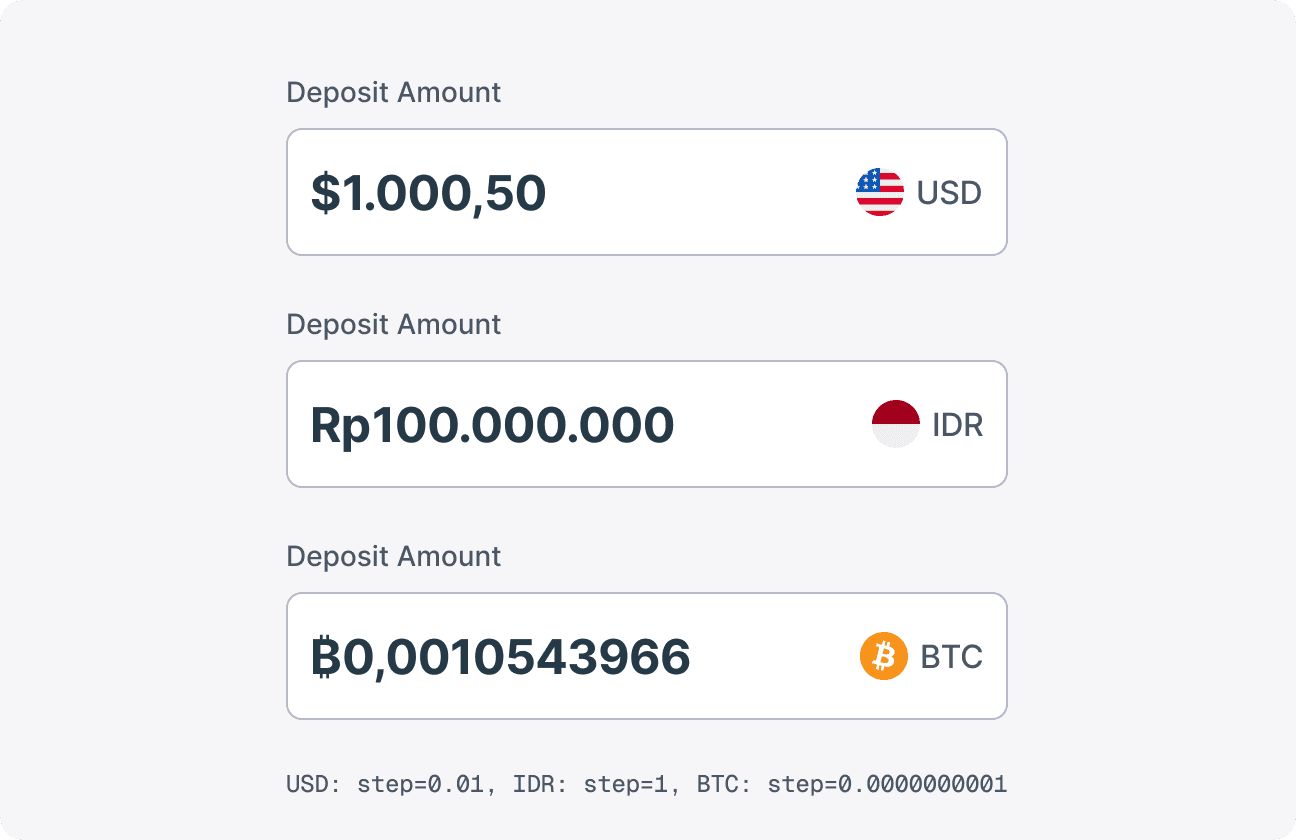
Step Count for Different Currencies
The step attribute sets the interval between allowed values; while a step of 0.01 works well for most currencies, there are exceptions.
For example, IDR transactions typically occur in whole numbers due to larger denominations (use step=1).
BTC transactions often deal in very small fractions because of the high fiat value of one Bitcoin (a step smaller than 0.01 might be appropriate).
Formatting
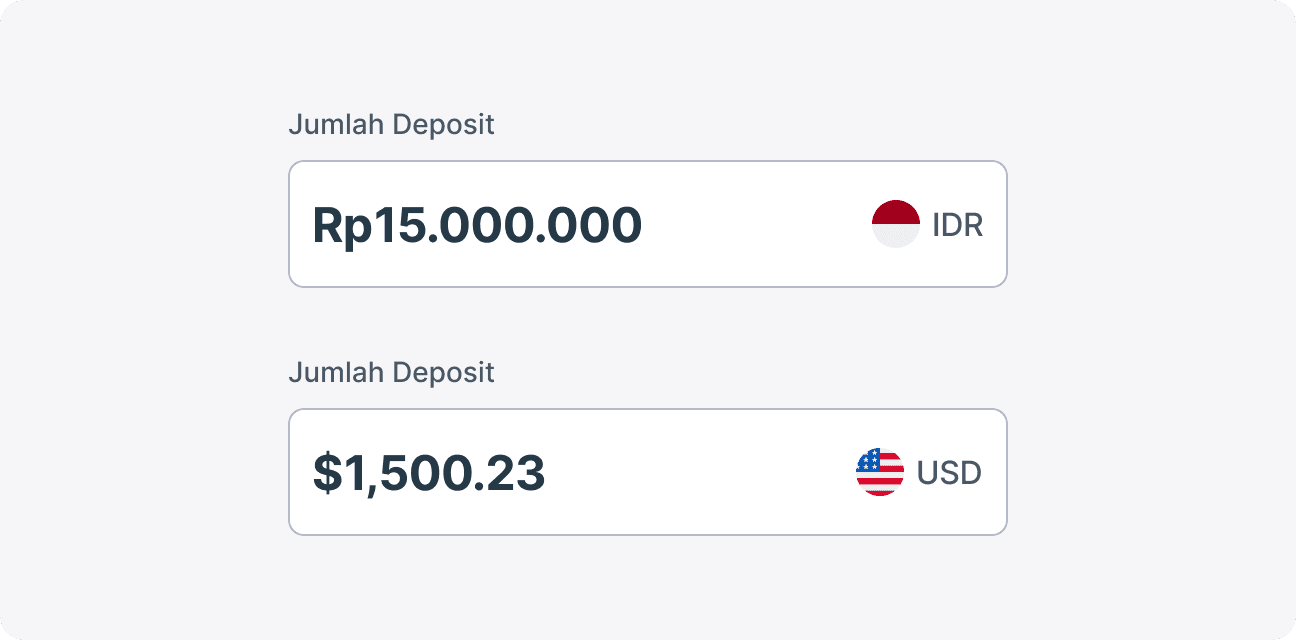
Thousand & Decimal Separators
The Money Amount Field automatically formats monetary inputs based on the user’s locale. For example, US settings display commas as thousand separators and periods as decimals (e.g., 12,345.67), while other regions might reverse this format (e.g., 12.345,67). To achieve this, the component should dynamically format the input value according to the device’s locale settings.