Content
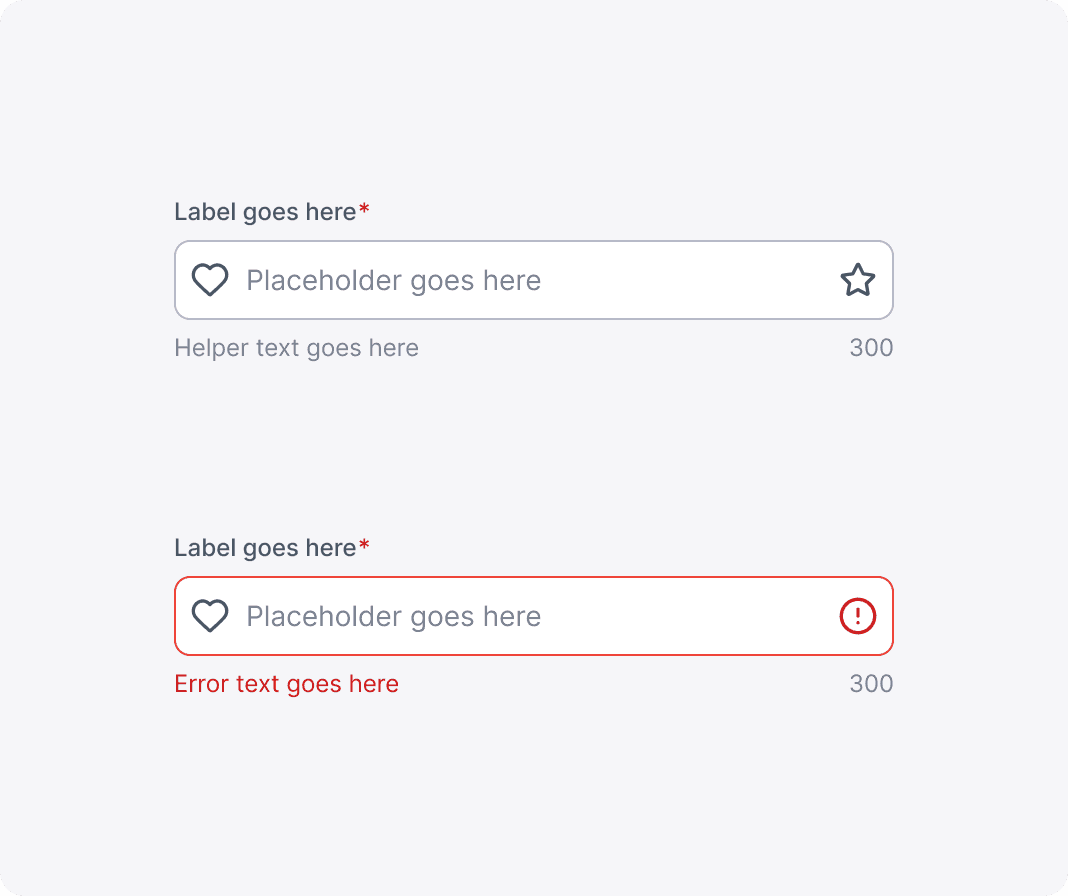
Guide for Labels, Placeholders, Helper Texts, and Error Texts.
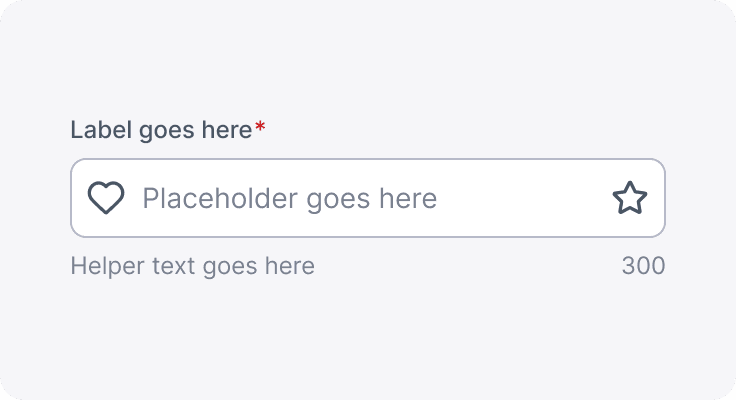
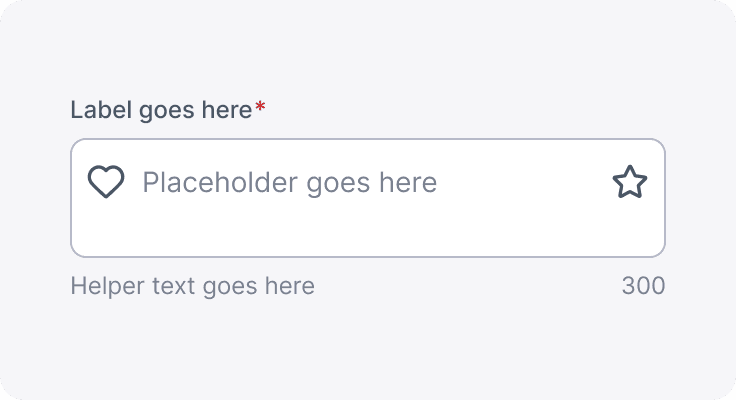
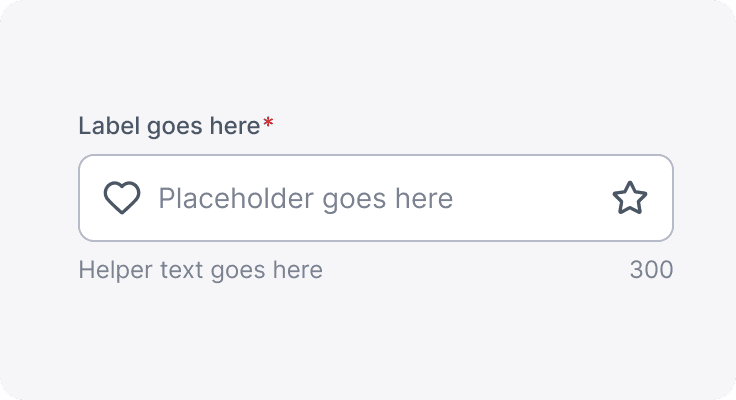
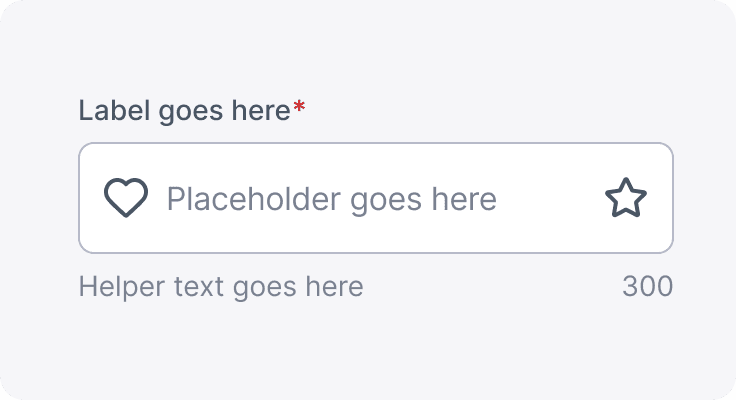
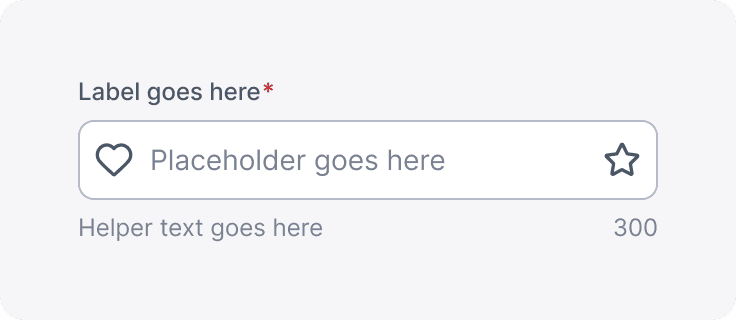
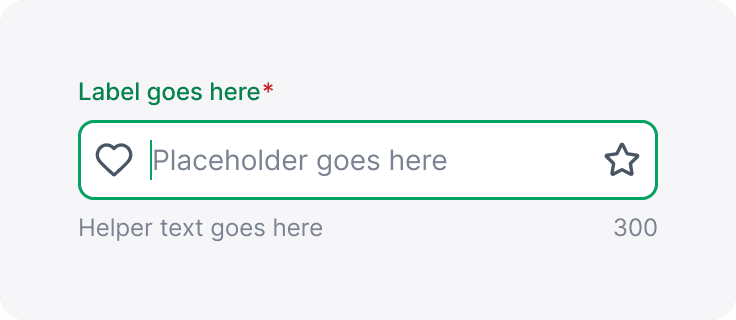
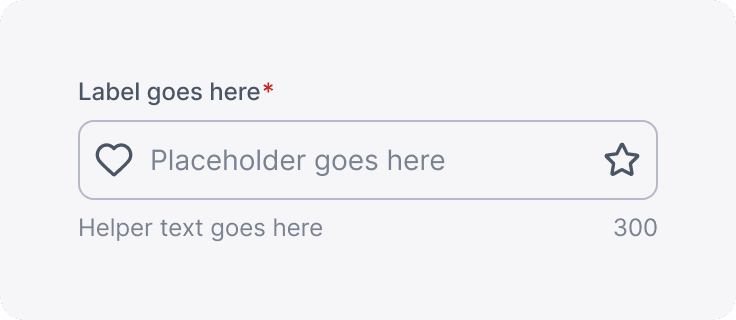
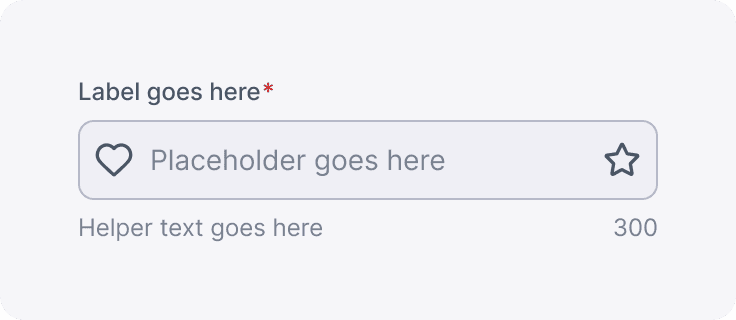
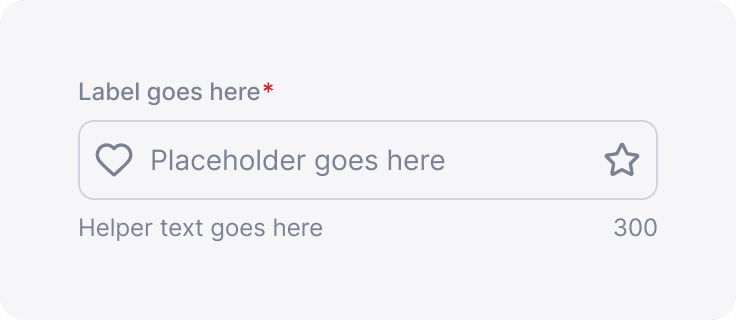
Label copy should be concise—no more than three words—and must consist solely of a noun that accurately describes the information the user needs to enter. This approach ensures clarity and avoids using verbs, which could potentially confuse the purpose of the field.
Placeholders, on the other hand, are meant to guide the user on how to fill in the respective field. They provide contextual hints or examples, making it easier for users to understand the expected format or type of information, ultimately streamlining the data entry process.
Helper text provides users with additional context and guidance on how to complete a text field. It is displayed near the input area—typically below it—and can offer examples, formatting instructions, or tips to aid in accurate data entry. The helper text should complement the label and placeholder, be concise, and use plain language. Its purpose is to minimize uncertainty and help users avoid mistakes before they submit their information.
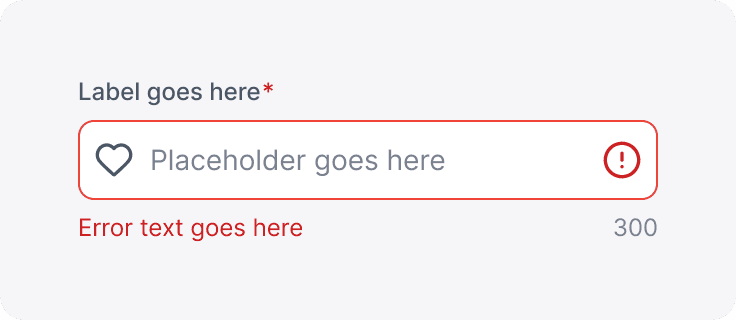
Error text is used to inform users when their input does not meet the required validation criteria. It appears immediately after a user enters invalid data, clearly explaining what went wrong and, where appropriate, how to correct it. To maintain a positive user experience, error messages should be succinct, direct, and written in a constructive tone. They should draw the user's attention—commonly through distinct styling, such as a red color—to ensure that the issue is noticed and promptly addressed.
Both helper and error text should not exceed two lines.